 Change Currency & Country
You can find the dropdown that changes the language in the header.
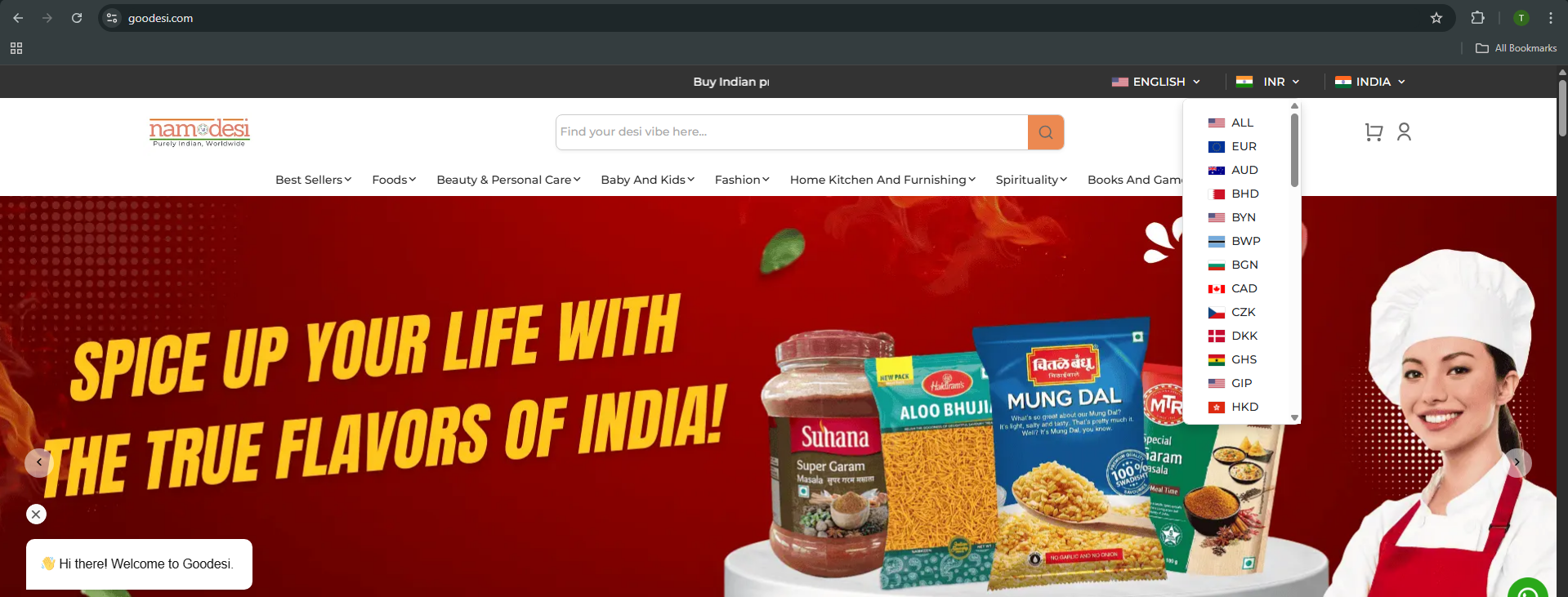
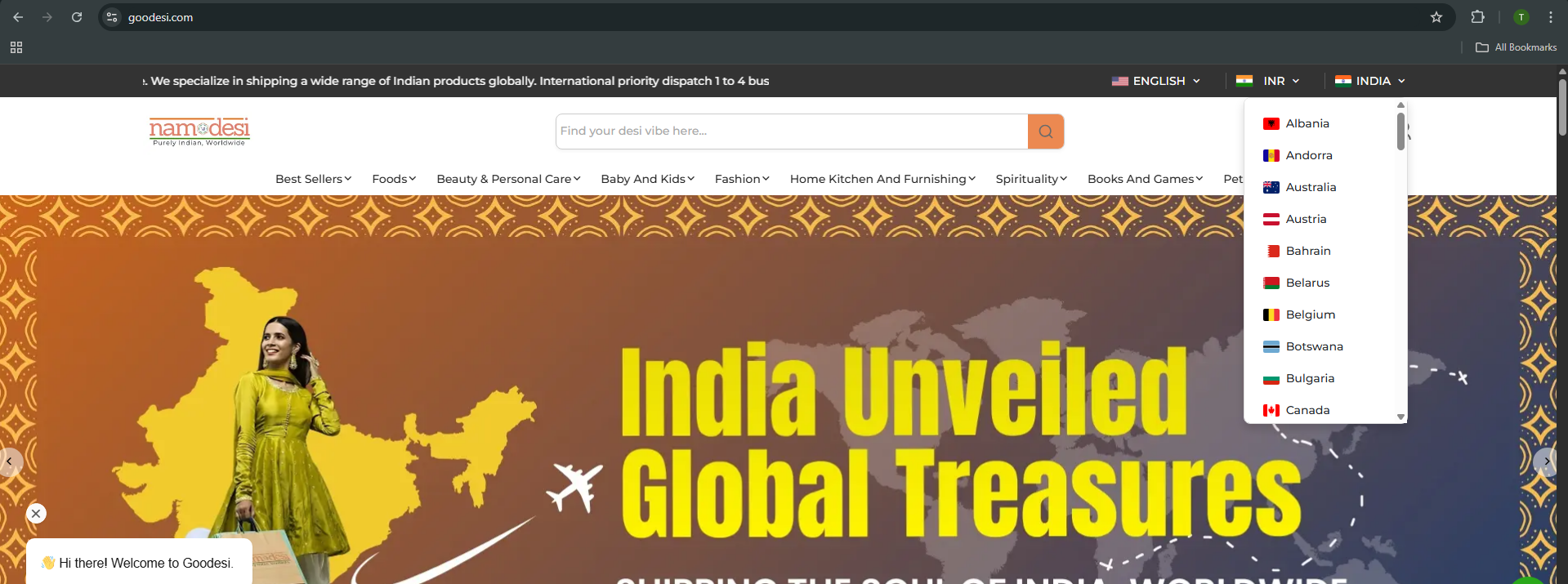
How to add currency ?
Add currency in dropdown path: src/app/api/currency/currency.json
[
  {
    "id": 1,
    "code": "USD",
    "symbol": "$",
    "no_of_decimal": 2,
    "exchange_rate": 1,
    "symbol_position": "before_price",
    "thousands_separator": "comma",
    "decimal_separator": "comma",
    "system_reserve": 0,
    "status": 1,
    "created_by_id": null,
    "created_at": "2024-05-02T08:34:46.000000Z",
    "updated_at": "2024-05-02T08:34:46.000000Z",
    "deleted_at": null
  },
  ...
  // add more currency object
]
Select Default Currency
Locate the JSON file at the path "src/app/api/setting/setting.json."
Then, make changes in the values > general > default_currency
To set the default currency, we must set a specific currency object in the setting json as a similar object to the one specified in the Currency Json.
{
  "id": 1,
  "code": "USD",
  "symbol": "$",
  "no_of_decimal": 2,
  "exchange_rate": 1,
  "symbol_position": "before_price",
  "thousands_separator": "comma",
  "decimal_separator": "comma",
  "system_reserve": 0,
  "status": 1,
  "created_by_id": null,
  "created_at": "2024-05-02T08:34:46.000000Z",
  "updated_at": "2024-05-02T08:34:46.000000Z",
  "deleted_at": null
},